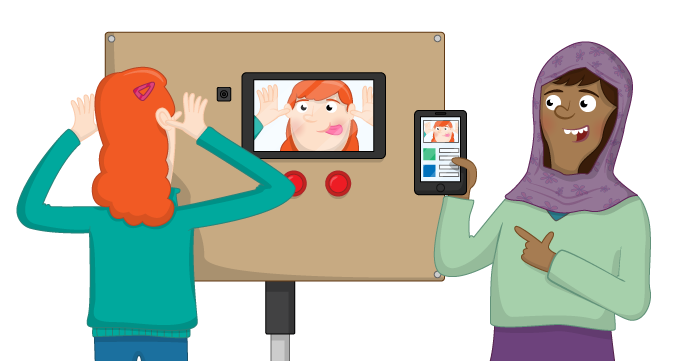
Create a touch screen photo booth that prints or emails the photos
Find a file
2017-03-24 10:41:19 +00:00
code Stop picture overwriting itself 2017-02-20 10:47:35 +00:00
images Misc fixes from Dan's comments 2017-03-16 10:33:08 +00:00
overlays Add overlays 2017-02-15 09:58:04 +00:00
All-Seeing-Pi-TILE.png Added cover art 2017-03-22 16:36:49 +00:00
CONTRIBUTING.md Copy edit - fix hyphenation 2017-03-24 10:40:48 +00:00
cover.png Added cover art 2017-03-22 16:36:49 +00:00
extras.md Alter hardware requirements 2017-02-17 16:27:10 +00:00
hardware.md Misc fixes from Dan's comments 2017-03-16 10:33:08 +00:00
hardware.yml Add images to show how to wire up buttons 2017-03-16 10:16:08 +00:00
learn.md Init all 2017-02-14 15:53:35 +00:00
LICENCE.md copy edit - fix hyphenation 2017-03-24 10:41:19 +00:00
meta.yml Init all 2017-02-14 15:53:35 +00:00
overview.md Init all 2017-02-14 15:53:35 +00:00
README.md Init all 2017-02-14 15:53:35 +00:00
software.md Add images to show how to wire up buttons 2017-03-16 10:16:08 +00:00
software.yml Add images to show how to wire up buttons 2017-03-16 10:16:08 +00:00
worksheet.md Alter hardware requirements 2017-02-17 16:27:10 +00:00
worksheet2.md Final updates 2017-03-16 11:18:47 +00:00
worksheet3.md Grr arg 2017-02-17 16:23:05 +00:00

The All Seeing Pi

In this resource you will make a tweeting touch screen photo booth using a Raspberry Pi.

Licence

Unless otherwise specified, everything in this repository is covered by the following licence:

Creative Commons License

The All Seeing Pi by the Raspberry Pi Foundation is licenced under a Creative Commons Attribution 4.0 International License.

Based on a work at https://github.com/raspberrypilearning/the-all-seeing-pi